Huntress Security Awareness Training – Now Available
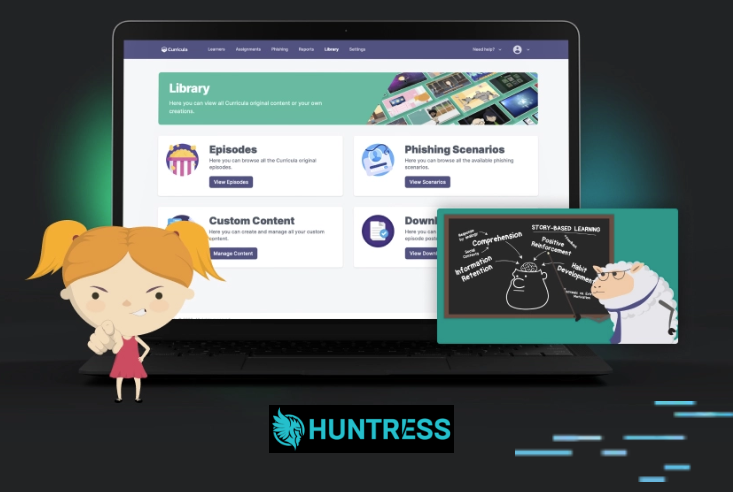
Introducing: Stress Free IT Security Training Powered by Huntress. Managed by Tranquil IT. Many audits, funders, and insurers now expect proof that staff receive regular security training — not just strong cyber protection.Our new Stress Free IT Security Training builds on the same Huntress platform many of you already use for managed cyber protection and identity security, making it a […]
Microsoft Copilot Update: Deeper Integration Across Microsoft 365 Apps
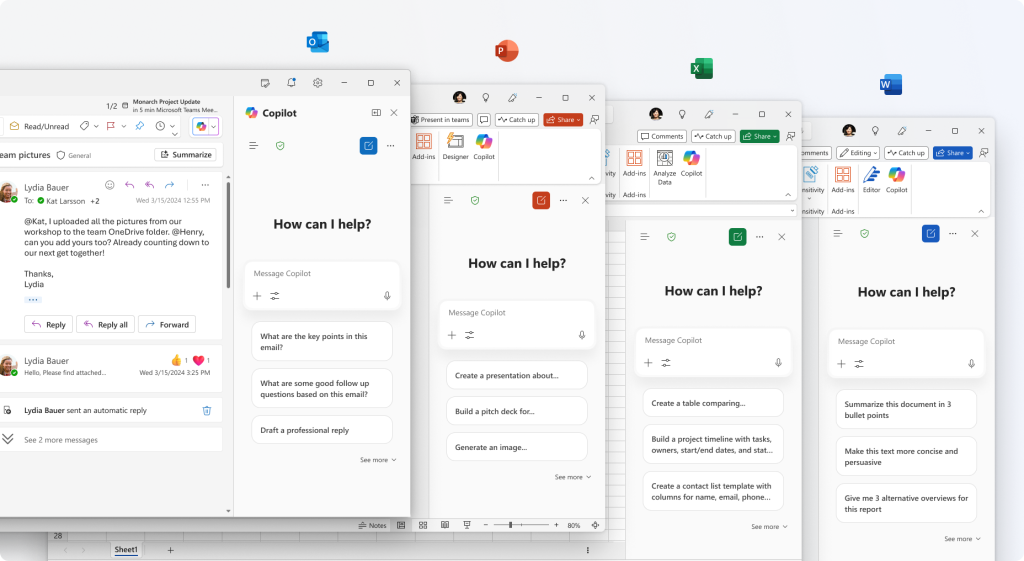
Microsoft has taken another major step forward with Copilot in Microsoft 365, embedding AI assistance directly into the apps your team already uses every day. Rather than working as a separate tool, Copilot now operates inside Word, Excel, Outlook, Teams, PowerPoint, and more—helping users work faster, smarter, and with less effort. This update marks a […]
Microsoft Copilot Update: Claude AI Is Now Available in Microsoft 365
Microsoft has announced a major update to Microsoft 365 Copilot, introducing Anthropic’s Claude AI models as an additional option alongside existing OpenAI models. This marks a significant shift to a multi‑model Copilot experience, giving organisations more flexibility in how AI supports their everyday work. What’s Changed? Until now, Microsoft Copilot was powered primarily by OpenAI […]
New Copilot Setting for Sensitive Information – What You Need to Know
Kia ora, We’re reaching out to let you as a customer that works with sensitive content. Microsoft has added new setting for Copilot that may be relevant to your organisation, especially if you work with sensitive or confidential information. What’s new? Microsoft has introduced a Harmful Content Protection setting in Copilot. This feature is designed to […]
Microsoft Teams Update: Private Chat for Organisers and Presenters in Structured Meetings, Webinars, and Town Halls
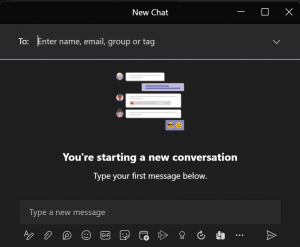
Microsoft Teams is rolling out an exciting new feature designed to improve collaboration during structured meetings, webinars, and town halls. Starting early 2026, organisers, co-organizers, and presenters will have access to a private chat—a dedicated space for key participants to communicate before, during, and after events without involving attendees. This update also introduces consistent backroom […]
A Fresh Look for SharePoint Document Libraries: What’s Changing and Why It Matters
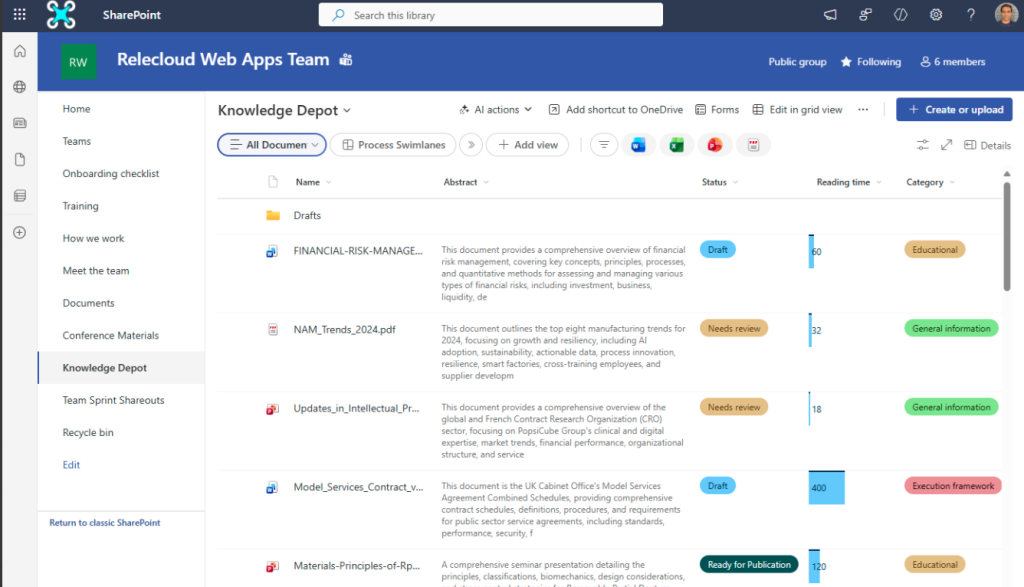
Microsoft is rolling out a refreshed user experience for SharePoint document libraries, designed to make navigation and common actions more intuitive and efficient. Based on user feedback, this update focuses on streamlining workflows without disrupting existing customisations. Rollout Timeline Targeted Release: Early to late November 2025 General Availability: Early to late January 2026 (Worldwide, GCC, […]
Copilot Now Filters Inappropriate Language
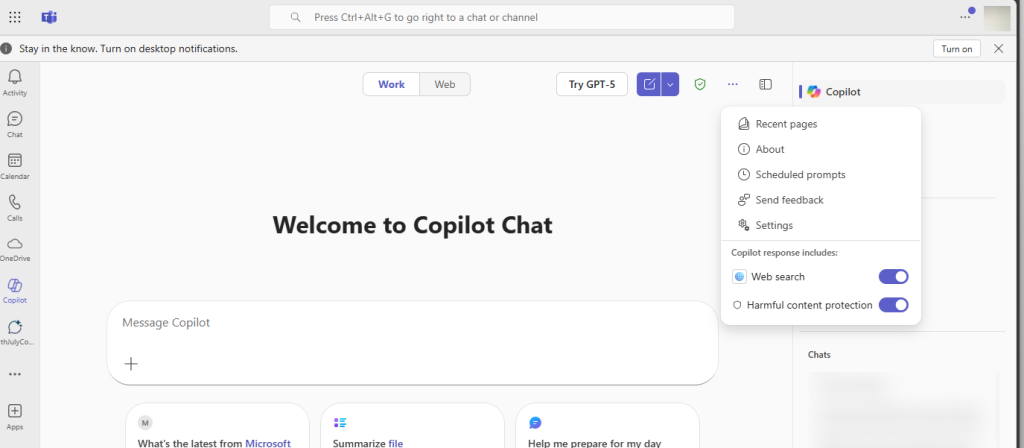
Microsoft Copilot is introducing a new safeguard to keep AI-generated content professional and respectful. This update adds a bad language filter designed to prevent offensive or inappropriate terms from appearing in Copilot outputs. It’s part of Microsoft’s ongoing commitment to responsible AI and fostering inclusive digital workspaces. What’s New? Here’s a quick look at the […]
New Feature in Microsoft Teams: Audio-Only Recording for Meetings and Calls
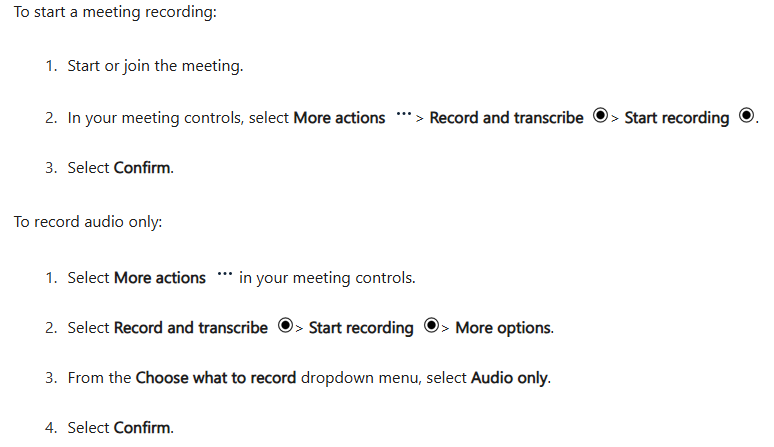
Microsoft is excited to announce a new enhancement to Microsoft Teams: Audio-only recording for meetings and calls. This feature gives users the flexibility to keep their cameras on during meetings while choosing to record only the audio. Why is this important? It offers a privacy-conscious option, reducing concerns about facial information exposure. It improves efficiency […]
Enhancing Microsoft Teams Governance with Orchestry: A Perfect Partnership
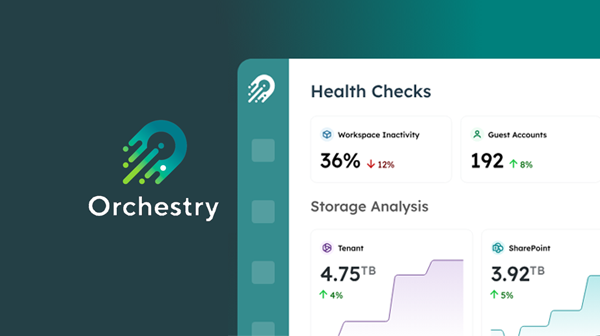
In today’s dynamic digital workspace, effective governance of collaboration tools is more critical than ever. Microsoft Teams, as a leading platform for team collaboration, requires a robust governance strategy to ensure efficient and secure usage. As a partner with Orchestry, we are proud to leverage their powerful app to aid our customers in governing team […]
Using Microsoft OneDrive for Sharing Information with Customers
Microsoft OneDrive – A Modern Approach to Data Ownership and Security In the digital age, businesses are increasingly reliant on efficient and secure methods of sharing information with their customers. Microsoft OneDrive offers a robust solution that not only ensures seamless sharing but also maintains data ownership and security. Microsoft OneDrive is a cloud storage […]